
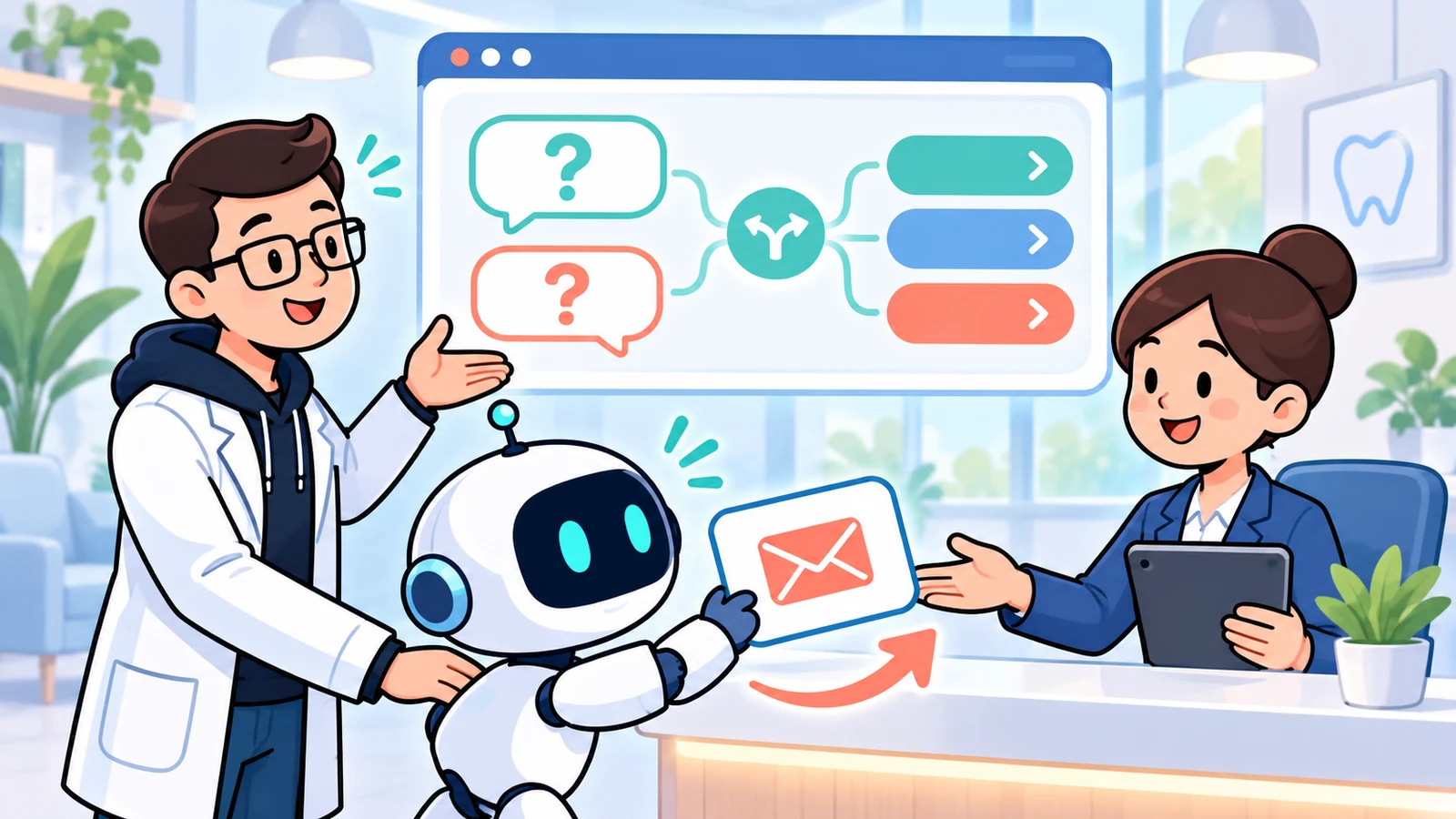
The short answer: design the handoff before the conversation
A useful clinic chatbot helps visitors find practical answers or send a clear request to reception. It may use structured questions and choices rather than generating free-form answers. Start with the staff task, not the bot's personality: can somebody find the enquiry, understand it and take the next step?
Advertisement feature: this article is sponsored by ConvertAI.one. Product information and the linked guidance were checked on 6 November 2026. The workflow below is our suggested clinic design, not a claim that every step is a built-in product feature or that the product is approved for clinical use.
The useful outcome may be a question answered without capturing a lead. This guide focuses on choosing the right stopping point and collecting less data, while our wider clinic marketing guide explains how recurring questions can improve public website content.
Write a staff-ready enquiry specification
Sit with the person who handles website enquiries and inspect the process, not real patient messages in an external tool. Ask what they need to make the first useful response. Usually the task is administrative: explain access arrangements, clarify opening hours or arrange a callback.
Write the desired output before writing the bot questions. A practical record might contain a broad administrative topic, branch, preferred contact method, necessary contact detail and submission time. Add an internal owner and status through your approved working process. These are proposed fields, not confirmed vendor functionality.
Decide what counts as success: the enquiry reaches the right queue, a staff member accepts ownership and the visitor receives the promised response. Avoid defining success as collecting an email address. Someone asking about parking may need an answer, not a lead record.
Separate public answers from requests for contact
Offer two distinct routes. First, let visitors read verified practical information without giving their identity. Second, offer a contact request when that information does not resolve the question. Do not put opening times or directions behind a compulsory email field.
For each answer, record the source page, approving staff member, applicable branch and review date. Use a factual link when details are lengthy. If holiday opening hours are unconfirmed, say reception will confirm them; do not let a generated answer fill the gap.
Keep a visible human-contact alternative outside chat. The bot should identify itself as automated and explain its administrative scope. It must not imply that a clinician is monitoring the conversation or that a request has secured an appointment.
What ConvertAI.one currently describes
ConvertAI.one's public features page describes bots built with clear questions, choices and contact fields, including editable templates and conditional questions. It also describes lead details, private outcomes and follow-up, with conversations and leads organised separately for each website.
The homepage describes installation through a provided script on an existing website and includes lead management. Those capabilities are relevant to structured administrative intake. They do not establish a native appointment-booking connection, electronic health record integration, medical triage capability or suitability for storing health information.
Before choosing a configuration, ask the supplier to demonstrate the exact enquiry destination, staff access and deletion process you require. Confirm current package limits and responsibilities. Do not infer that a marketing feature called an outcome is a verified clinical or booking-system event.
Collect less, and recognise when context becomes sensitive
The ICO's data-minimisation principle requires personal data to be adequate, relevant and limited to what is necessary. Apply that test to every field. If reception can answer by email, do not automatically require a telephone number, date of birth and home address as well.
Prefer broad administrative choices over an open invitation to explain a medical problem. Tell visitors not to submit symptoms, photographs, medical histories or other confidential details. A warning is not a technical safeguard: plan for accidental disclosures and restrict who can access them.
Even a short enquiry can reveal health information through its context. The ICO explains that processing special category data needs an Article 6 lawful basis and a separate Article 9 condition. Have the clinic's privacy lead assess the proposed processing before launch; a generic consent checkbox is not a complete compliance solution.
Agree retention, supplier responsibilities, international transfers where relevant, access controls and the handling of unexpected sensitive content. Keep enquiry text and contact details out of analytics, advertising tools and general-purpose AI prompts. Disable recording on sensitive journeys unless a separately reviewed implementation justifies it.
A suggested flow, with a deliberate stopping point
Build a short journey around choices that reception recognises. This is a design brief to configure and test with your supplier, not a description of an automatic clinic template. Every branch should end in either useful public information or a clear staff-contact route.
Do not ask the marketing bot to judge urgency, recommend treatment or decide clinical suitability. Clinical and urgent requests should leave this workflow through clinic-approved signposting. A clinician should approve that boundary and its wording; the bot should not improvise medical advice.
- Identify the administrative topic: opening arrangements, directions, access information or a reception callback.
- Ask for the branch only when its answer or staff destination differs.
- Present the approved answer and offer a direct link to the maintained page.
- Offer contact with reception if the question remains unresolved, collecting only the necessary contact detail.
- Explain the response window and make clear that submission is not an appointment confirmation.
A small script you can brief to your supplier
Use this as proposed wording to configure and test, not a claim that ConvertAI supplies a clinic template. Start with 'What can reception help with?' and offer 'Opening times', 'Directions' and 'Request contact'. The first two should link to verified public answers without collecting identity.
- If contact is requested: 'Which branch should reply?' Ask only when routing differs.
- Then: 'How would you like reception to contact you?' Collect only the necessary contact detail.
- Before submission: identify the automated service, link privacy information and ask people not to include medical details.
- After acceptance: state that reception has received a request, not that an appointment is booked.
A hypothetical example: a Saturday access question
Imagine a fictional clinic with two entrances and different Saturday reception hours. A visitor wants to know which entrance to use. The bot offers the branch's approved access page without requesting a name, diagnosis or reason for attending.
The visitor still needs to ask reception about arrival arrangements and chooses a callback. The suggested flow collects a contact number and a broad access-enquiry category. Staff check the approved process and respond; the bot does not promise that a particular accommodation or appointment is available.
This is an invented operational example, not a customer result. Its value is the handoff specification: reception knows what to do next, while the person was never asked to justify their access question with medical information.
Make ownership and failure visible
Name a queue owner and a backup for absences. Decide when the queue is checked, what the public response window means over weekends and who handles an overdue request. A shared inbox without assigned responsibility can leave everyone assuming someone else has replied.
Test the actual delivery route with fictional contact details approved for testing. Confirm what happens when delivery fails, a required destination is unavailable or a staff member loses access. Do not display a confident success message unless the configured system has genuinely accepted the submission.
Keep notifications minimal. A message saying an administrative enquiry awaits review can be safer than broadcasting a full transcript to several inboxes. Use the approved access-controlled system for any further handling, and make the fallback contact route visible when chat is unavailable.
Test accessibility as part of intake quality
W3C's forms guidance covers labels, instructions and feedback. Apply those principles to the contact stage, even when the interface looks conversational. A speech-bubble design does not remove the need for clearly labelled fields and understandable errors.
Ask your developer to test keyboard navigation, focus, screen-reader announcements, mobile zoom and the close control. Check that chat does not cover the clinic's telephone link or privacy choices. Keep an ordinary contact route available for people who cannot or prefer not to use the widget.
Reception's launch checklist
Run this check with the people who will maintain the service. Record failed tests and resolve them before expanding the flow. After launch, review unresolved administrative themes and missed handoffs without exporting identifiable conversations into a marketing report.
- Every public answer has a source, branch scope, owner and review date.
- The flow offers useful answers before requesting contact details.
- Clinical questions stop at approved signposting, without diagnosis or triage.
- Privacy information, retention and supplier handling have been reviewed.
- A named staff member and backup can find and action each test enquiry.
- Out-of-hours wording, delivery failures and the non-chat alternative have been tested.
- Reporting distinguishes answered questions, contact requests, failed deliveries and staff responses.
FAQ: Does every enquiry need an AI-generated answer?
No. A few approved choices and maintained answers may be enough. Use generation only where its purpose, sources and review arrangements are clear. A predictable administrative flow can be easier for reception to maintain than an open-ended conversation.
FAQ: Can this replace our booking system?
Not on the evidence described here. Treat the bot as an enquiry route unless a separate, verified booking integration exists. Staff should confirm availability through the clinic's established system. An enquiry received message must not be presented as a booked appointment.
FAQ: What should we measure first?
Measure successful handoffs, response times, unresolved topics and unnecessary repeat contacts. Include failures and pending requests. A lower number of captured leads may be acceptable when more people obtain a simple answer without having to share their details.
FAQ: Who should own the chatbot after launch?
An operational owner should maintain answers and staff handling, with technical and privacy support. Marketing can improve wording, but should not independently change clinical boundaries or data collection. Review the workflow whenever hours, branches or reception responsibilities change.