Artificial Intelligence
Why your website needs to be accessible to AI search
AI search cannot reliably use information it cannot access or interpret. Learn how to check public content, crawler permissions and technical barriers without weakening security or promising citations.
Make public information usable, not private information public
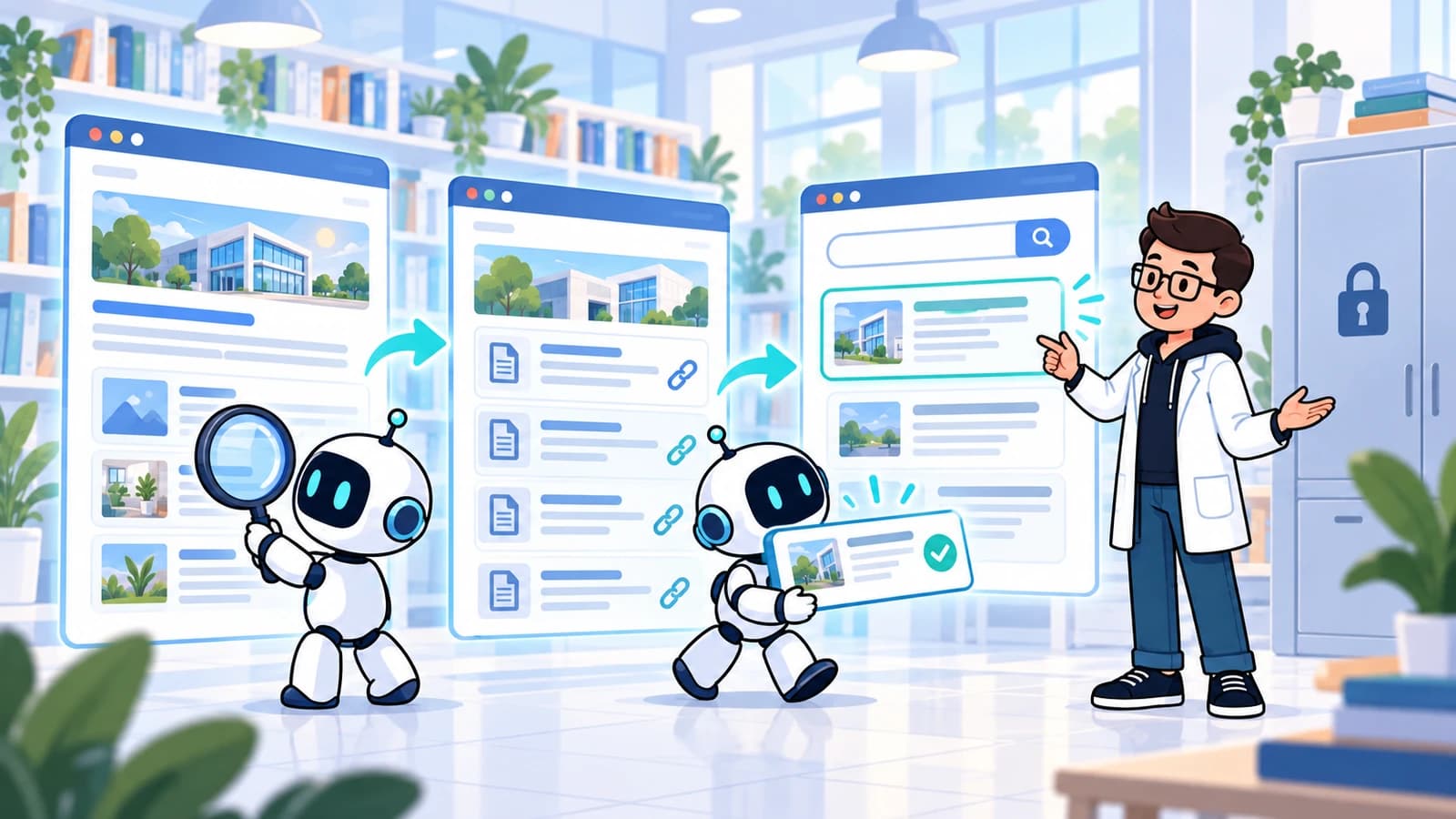
When someone asks an AI search service about your business, the answer may draw on public webpages and other sources. If your own pages are inaccessible, incomplete or contradictory, you lose an opportunity to provide accurate information. Making a website accessible to AI search means removing accidental barriers to approved public content, not opening customer records or bypassing security.
For a business owner, the practical aim is simple: help a person or a search system find a reliable answer about what you do, where you work and how to contact you. Start with the pages that support real decisions. A maintained service page is more useful than a large collection of vague articles written only to mention keywords.
AI optimisation, sometimes shortened to AIO, is not a guarantee of recommendation. Systems differ, answers vary and sources can be omitted. Treat access and accuracy as foundations you can control, then measure whether the work helps people understand the business and make relevant enquiries.
Crawling, indexing, retrieval and citation are different steps
Crawling means fetching a page or resource. Indexing means processing and organising information so it can potentially be found later. Retrieval means selecting relevant information for a particular question. Citation means showing a source reference in the answer. These are useful distinctions, not a claim that every provider uses an identical technical pipeline.
A crawler visit proves only that a request occurred. A successful response does not prove that the page entered an index, and an indexed page is not necessarily selected for a particular answer. Even when a system uses information, the visible answer may not include the citation you expected.
This matters when evaluating reports. "Bots visited 500 times" is not the same result as "customers discovered the right service". Ask what each measurement establishes and what remains unknown. Keep technical access checks separate from visibility samples and commercial outcomes.
1. Put important answers in readable page text
Review the questions customers ask before contacting you. What is included? Which location provides the service? What does a consultation involve? What affects the price? Publish verified answers on the relevant page, close to the service they describe. Use ordinary language and explain limitations instead of writing an answer that sounds certain but is incomplete.
Do not leave essential information only inside an image, a video, a downloadable document or a chatbot conversation. Those formats can supplement the page, but a readable text explanation gives visitors a dependable reference. A chatbot should help people navigate approved information, not become the only place that information exists.
Use meaningful headings, descriptive links and consistent names for the same service. A useful page can include a direct answer followed by context, evidence and next steps. There is no need to turn every paragraph into a rigid question template or repeat a phrase until the page sounds unnatural.
2. Check what the server actually delivers
A page that looks complete in your browser may initially deliver little more than an empty application shell. Google can render JavaScript, but blocked resources and implementation errors can interfere with that process, and not every crawler runs JavaScript. Server-rendered or pre-rendered core content can reduce reliance on a separate rendering step.
Ask your developer to compare the original response with the rendered page. The service name, essential explanation, contact details and useful links should be available through a reliable delivery path. Check the deployed page, not only a local preview where authentication, network conditions and security settings may differ.
Keep enhancements progressive where practical. A visitor should not need to accept optional tracking, complete a chat conversation or interact with a carousel to discover basic public information. Test failed integrations too: a booking provider outage should not erase the telephone number or the explanation of how to enquire.
3. Distinguish search access from model training
OpenAI documents different agents for different purposes. OAI-SearchBot supports ChatGPT search, while GPTBot is used for content that may support training foundation models. Their robots.txt permissions can be managed independently. ChatGPT-User relates to user-initiated visits, and OpenAI notes that robots.txt rules may not apply to those requests in the same way as automated crawling.
Decide your policy before changing configuration. You may want public service pages discoverable in search while taking a different position on model training. Review the current provider documentation rather than assuming one rule controls every AI-related activity. This article does not require changing your existing crawler permissions.
Have the responsible developer record the intended policy, affected paths and verification method. A crawler name in a request is not, by itself, proof of who sent it. Where a security exception is justified, use the provider's current verification guidance and keep the exception narrowly scoped to intended public resources.
4. Diagnose blocks without weakening security
Common barriers include an accidental noindex directive, a robots.txt rule covering public pages, a login requirement or a firewall challenge. These mechanisms do different jobs. Google must be able to crawl a page to observe its noindex instruction; blocking the crawl is not a dependable substitute for that instruction.
Check the HTTP response, robots meta tag and X-Robots-Tag header together. Review CDN and firewall logs for repeated failures on legitimate public requests. Do not disable the firewall globally, remove authentication from private routes or whitelist every request that claims to be an AI bot.
Keep account pages, internal reports, personal information and unpublished material protected by appropriate access controls. Robots.txt is not a confidentiality mechanism. If a public page is mistakenly blocked, fix that specific configuration and retest. Record the change so a future security update does not silently reverse it.
5. Keep URLs and business facts consistent
Choose a preferred URL for each important page and keep internal links, canonical tags and sitemap entries aligned with it. Check that the preferred page returns successfully and represents the content you want discovered. A sitemap helps discovery; it is not a command to index every submitted URL.
Review business name, branch address, telephone number, opening hours and service coverage across your own pages. Explain branch differences explicitly. A central office address should not quietly replace the location where customers attend, and an old page should not keep advertising a service that has moved.
Structured data can describe relevant facts in a machine-readable format, but it must match the visible page and use an appropriate type. Do not add invented reviews, unsupported ratings or services you do not provide. Assign an owner to update both the visible information and its markup when facts change.
6. Avoid special-file and citation shortcuts
Google's current guidance says existing search fundamentals remain relevant to its AI experiences. There is no requirement for a special AI text file such as llms.txt or special AI markup. Eligible content can still be absent from an answer; technical access does not guarantee indexing, selection or citation.
For a small business, prioritise work that has an observable benefit: resolving contradictory opening hours, explaining a service properly, fixing an inaccessible page or improving the enquiry route. Publishing hundreds of slightly different answers to similar prompts creates maintenance work without establishing that any of them is useful.
Be cautious with guarantees of an "AI ranking" or a fixed number of citations. Ask which systems, prompts, dates and conditions were tested, and whether the cited page actually supports the answer. A screenshot of one favourable response is a sample, not proof of stable visibility.
A practical audit you can run with your developer
Choose five important public pages rather than starting with the whole website. Include the homepage, a main service, a location page where relevant, a useful guide and the contact page. Save dated results and assign each issue an owner. Repeat the checks after deployment, because the live hosting configuration is part of the result.
For example, a fictional clinic might find that consultation fees appear only in an image and its booking explanation is hidden behind a chat launcher. The practical fix is to publish an approved text explanation on the relevant service page, retain the image as supporting material and provide a normal booking link. That improves the information available to visitors without claiming a guaranteed AI-search outcome.
- Can a logged-out visitor open the canonical page successfully?
- Are the essential facts present in readable text and current?
- Do headings and internal links explain the page and its next steps?
- Do rendering, robots directives and firewall rules match the intended public-access policy?
- Do sitemap entries and structured data match the actual public content?
- Can someone complete an enquiry on mobile without an optional tool blocking the route?
Measure access, answer quality and enquiries separately
Keep three records. Technical logs show verified crawler requests and response failures. A small, repeatable prompt sample shows whether answers and citations are accurate at that moment. Analytics and your enquiry process show identifiable referrals, qualified enquiries and confirmed outcomes. None of these records substitutes for the others.
Referrer data can be missing, and people may return through another channel before contacting you. Consent choices and analytics configuration also affect what you observe. Use attributed referrals as partial evidence, not a complete count of AI influence. Ask a neutral discovery question where appropriate rather than forcing every customer into an AI category.
Review unanswered questions and factual errors monthly. Improve the source page, verify the live change and keep a dated record of subsequent tests. The objective is accurate public information and a usable customer journey, supported by evidence rather than a promise that a particular assistant will recommend you.
FAQ: Does allowing AI crawlers guarantee citations?
No. Access is only one prerequisite. Systems may not index, retrieve or cite your page for a particular question. Evaluate technical access, factual accuracy and customer outcomes separately, and avoid treating one prompt response as a permanent ranking.
FAQ: Do I need llms.txt for Google AI search?
No. Google does not require llms.txt or special AI markup for its AI search experiences. Focus first on useful public content, appropriate indexing controls, reliable page delivery and accurate information. Requirements and controls can differ between providers.
FAQ: Can search access and model-training access differ?
Yes. OpenAI documents separate controls for OAI-SearchBot and GPTBot. Review current documentation and your organisation's policy before changing rules. Do not expose private pages, remove authentication or weaken general security to pursue search visibility.
Want this checked on your own website?
Our free scan reviews the fundamentals covered here — and a specialist reviews the findings before anything is sent to you.