
Websites & Conversion
Website security after PHP2Shell: why AI needs a human-led patching plan
PHP2Shell and the latest Node.js security releases show why website care cannot stop at the page design. AI can accelerate discovery and defence, but businesses need verified updates, controlled automation and people ready to act.
The short answer: website security is an ongoing service
A website can look professional, load quickly and still depend on vulnerable software. Security lives in several layers: the application, its libraries, the runtime that executes it, the operating system and the hosting configuration. Maintaining the visible website is only part of maintaining the business service.
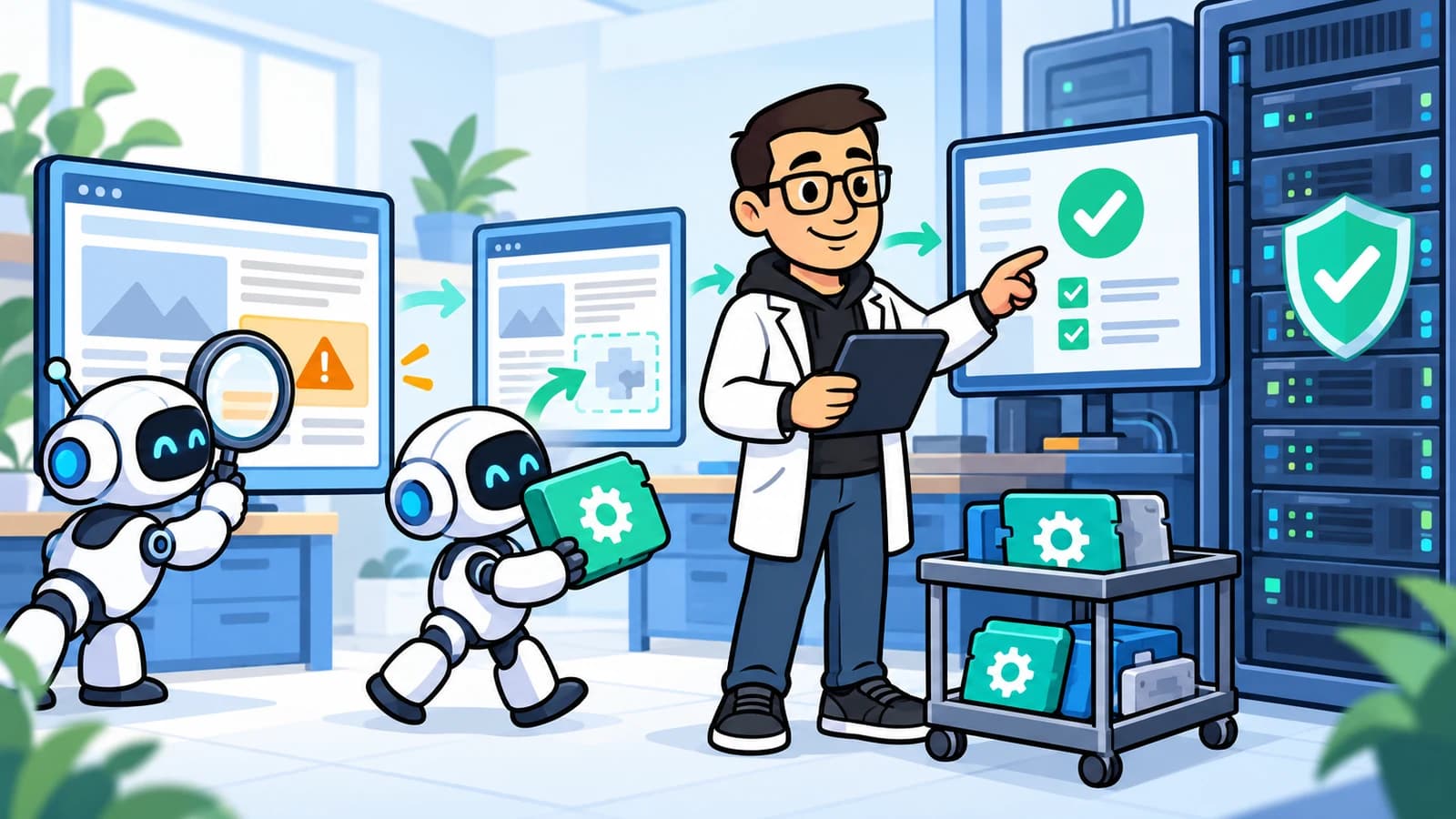
The practical response is not to panic or hand every server password to an AI agent. Know what you run, monitor reliable advisories, identify affected systems, apply trusted fixes and verify the running service. Use AI to reduce the time spent gathering and interpreting evidence, with clear authority for changes.
This guide reflects public advisories checked on 23 October 2026. Release information can change. Follow the current vendor or hosting-provider advisory for your environment rather than treating a version number in an article as permanent security advice.
What happened with PHP2Shell?
On 21 October 2026, PHP released fixes for CVE-2026-109618 and CVE-2026-109619, commonly called PHP2Shell. The official advisory describes critical flaws that can allow unauthenticated remote code execution: an attacker may run code without first signing in. These are PHP runtime issues, not simply an outdated WordPress plugin.
The first fixed supported releases were PHP 8.2.35, 8.3.36, 8.4.27 and 8.5.12. Distribution vendors may deliver backported fixes, so package evidence matters alongside the headline version. PHP advises updating installations serving web requests; a change to page content or a plugin does not replace the runtime fix.
The Node.js release is separate, but the lesson is similar
Node.js also published security releases on 21 October 2026, covering multiple issues rather than a single PHP-related bug. Its advisory includes CVE-2026-111497, a high-severity Brotli decompression flaw described as permitting remote code execution, alongside DNS, TLS certificate-validation and other fixes.
The published fixed releases were Node.js 22.23.4, 24.22.1 and 26.12.1. Check the relevant supported branch and current provider guidance. Updating npm dependencies does not itself update the Node.js runtime, and updating a build machine does not establish which runtime is serving production traffic.
For managed hosting, ask the provider to confirm the deployed runtime and whether a rebuild or redeployment is required. For private servers, include background services and containers in the review, not just the process answering the homepage.
AI is changing the pace, not removing the need for expertise
The PHP2Shell researchers describe AI-assisted discovery and responsible disclosure involving Wiz Research, OpenAI Codex Security and Calif. That is a concrete example of AI helping researchers find serious weaknesses, rather than a claim that every new vulnerability is discovered by AI.
The UK National Cyber Security Centre assesses that AI will make parts of cyber intrusion more efficient and further reduce the time between disclosure and exploitation. It also recognises opportunities for defenders. This is a changing risk environment, not evidence that every business website has already been compromised.
Our view is that website ownership increasingly needs to include operational readiness. Buying a design and leaving the underlying system untouched is a fragile model. The useful competitive advantage is a shorter, repeatable route from a credible warning to a verified fix, not a promise to predict every attack.
Our response: a reported one-hour patch rollout
For this security response, our team reports that the applicable patches were applied across our entire network of private servers and managed websites within one hour of patch availability. This is Marketing.clinic's operational account of that rollout, not an independently audited certification.
That result is specific to this response. It is not a one-hour guarantee for every future vulnerability, every client environment or third-party hosting outside our management. Applying a fix also does not prove that no earlier compromise occurred; exposure and incident checks remain separate questions.
For any provider, ask what "patched" means in practice. A useful completion record identifies the affected service, the installed fix, the running version after any required restart, checks of essential journeys and any unresolved exceptions. A successful update command alone is not the full picture.
Start with an inventory, not a reassuring scan score
List the live website, booking system, API, admin area, staging environment, scheduled jobs and old subdomains. Record the owner, hosting provider, runtime, support status and how updates reach production. A forgotten staging server can still hold credentials or customer information.
An external scan sees only part of that picture. A clean result cannot prove that a hidden service or installed package is safe. Combine authorised external checks with authenticated inventory, dependency scanning, logs and provider evidence. Verify suspected findings before deciding whether they represent real exposure.
Our public Website Essentials assessment checks visible website fundamentals. It is not penetration testing, a PHP2Shell detector or a certificate that the server is secure. A technical security review needs an agreed scope and the right access.
Use AI as an active assistant in a controlled security workflow
AI can help map an advisory to your asset inventory, group duplicate alerts, explain likely business impact, draft an update plan and summarise test results. Pair it with trusted scanners and package-management tools. An AI explanation should point back to evidence, not substitute for it.
Only scan systems you own or have explicit authority to assess. Set limits on request rates and avoid disruptive checks against live booking or payment systems. Keep passwords, patient information, customer records and unnecessary logs out of prompts; approved tooling still needs appropriate access controls.
Separate observation from permission to change production. Treat website text, logs and advisory attachments as untrusted input: they must not be able to instruct an agent to reveal secrets or run commands. Restrict available actions, record decisions and escalate uncertainty to a responsible person.
- Monitor: collect approved vendor alerts and scan results against a current inventory.
- Triage: establish affected versions, exposure, confidence and business impact.
- Prepare: select a trusted update, identify dependencies and define recovery steps.
- Test and deploy: use an authorised runbook with health checks and stop conditions.
- Verify: confirm the running service is fixed, then retain evidence and monitor behaviour.
Automatic updates should follow policy, not an AI guess
Pre-authorised, well-tested updates can be automated. The NCSC recommends updating by default and using trusted sources, testing and controlled rollout where appropriate. Automation should make that process reliable, not remove its safeguards.
For higher-risk changes, require explicit approval and a recoverable backup or replacement environment. Check compatibility and essential customer journeys before expanding the rollout. Stop on failed health checks. If rollback would restore a vulnerable service, isolate or restrict it while an engineer resolves the problem rather than silently reopening the exposure.
Distinguish installing an official vendor patch from asking AI to invent a code fix. A generated patch needs engineering review and tests. Do not let a model disable authentication, logging or security controls merely to clear an alert. Define the emergency decision-maker before the next urgent advisory arrives.
A practical checklist for business owners today
Ask your website or hosting partner for answers in writing. You do not need to become a systems administrator, but you should know who is accountable and what remains unresolved. "We have a firewall" is not the same answer as confirming the relevant runtime is patched.
- Which services use PHP or Node.js, and who maintains each one?
- What evidence confirms the applicable vendor fixes are running in production?
- Have background workers, containers, staging sites and older branches been checked?
- Do enquiries, bookings, logins and other critical journeys still work?
- Were any signs of compromise found, and who owns further investigation?
- Are backups recoverable, alerts monitored and the next update process documented?
If you suspect compromise, patching is not the whole response
Unexpected administrator accounts, changed files, redirects or unusual server activity need investigation. A patch can close a vulnerability without removing an existing intrusion. Preserve relevant evidence, involve the responsible host or incident specialist and avoid a rushed cleanup that destroys useful logs.
Contain affected services under an agreed incident process. Review credentials and recovery requirements with the investigating team, and assess notification obligations where personal data may be involved. Do not assume that a normal-looking homepage means the incident is over.
Get expert advice and a clear action plan
Marketing.clinic can help you understand your website dependencies, coordinate with hosting providers and plan urgent updates and verification. Contact us with the website address, your hosting arrangement and any advisory or error you have received. Do not send passwords or sensitive customer data through the enquiry form.
Ask for a security and maintenance review, or tell us if you need urgent help with an exposed website. We will establish scope, access and the appropriate next action. AI can help the work move faster; accountable technical expertise must still guide what changes and how success is confirmed.
FAQ: Does updating WordPress fix PHP2Shell?
Not by itself. PHP2Shell concerns the PHP runtime beneath the application. Ask your host to confirm the applicable PHP security fix and that the updated runtime is actually running. Keep application and plugin maintenance in place too.
FAQ: Should AI automatically patch my website?
Use automation for approved updates within a tested policy, with restricted permissions, verification and recovery options. Escalate uncertain or high-impact changes to an engineer. An AI-generated recommendation is not permission to make arbitrary production changes.
FAQ: Can a website scan prove that we have not been hacked?
No. Scans have limited coverage and can miss historical compromise or services they cannot inspect. Use them as one input alongside logs, runtime evidence and expert investigation. A successful patch is not a clean bill of health for every part of the business.
Need help with website security?
Speak to our team about a scoped technical review, urgent updates and verification. Our free Website Essentials scan is not a vulnerability assessment or proof that a server is secure.
Get expert website advice